Series 3 Basic Electric Bidet Seat with Compact Side Controls
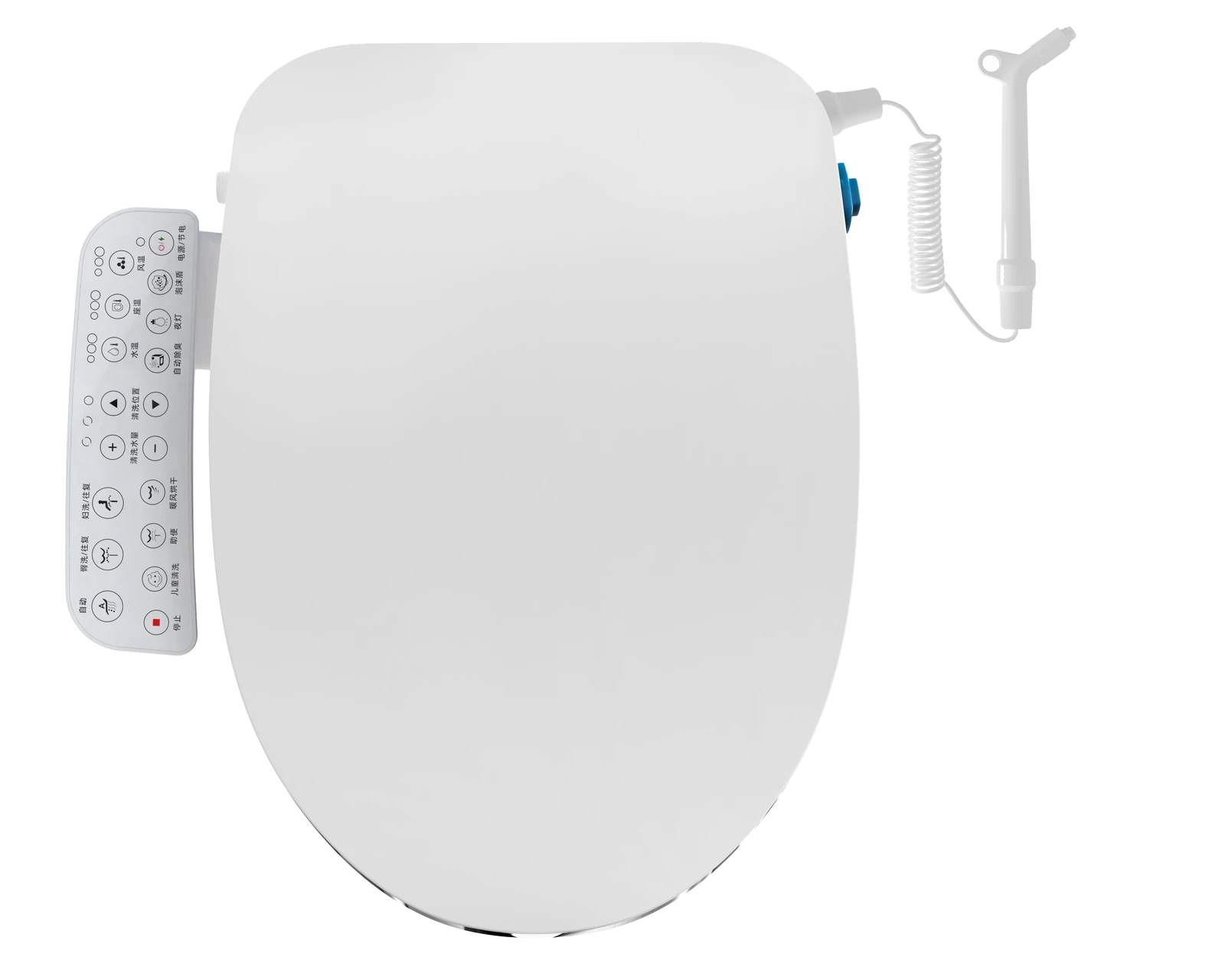
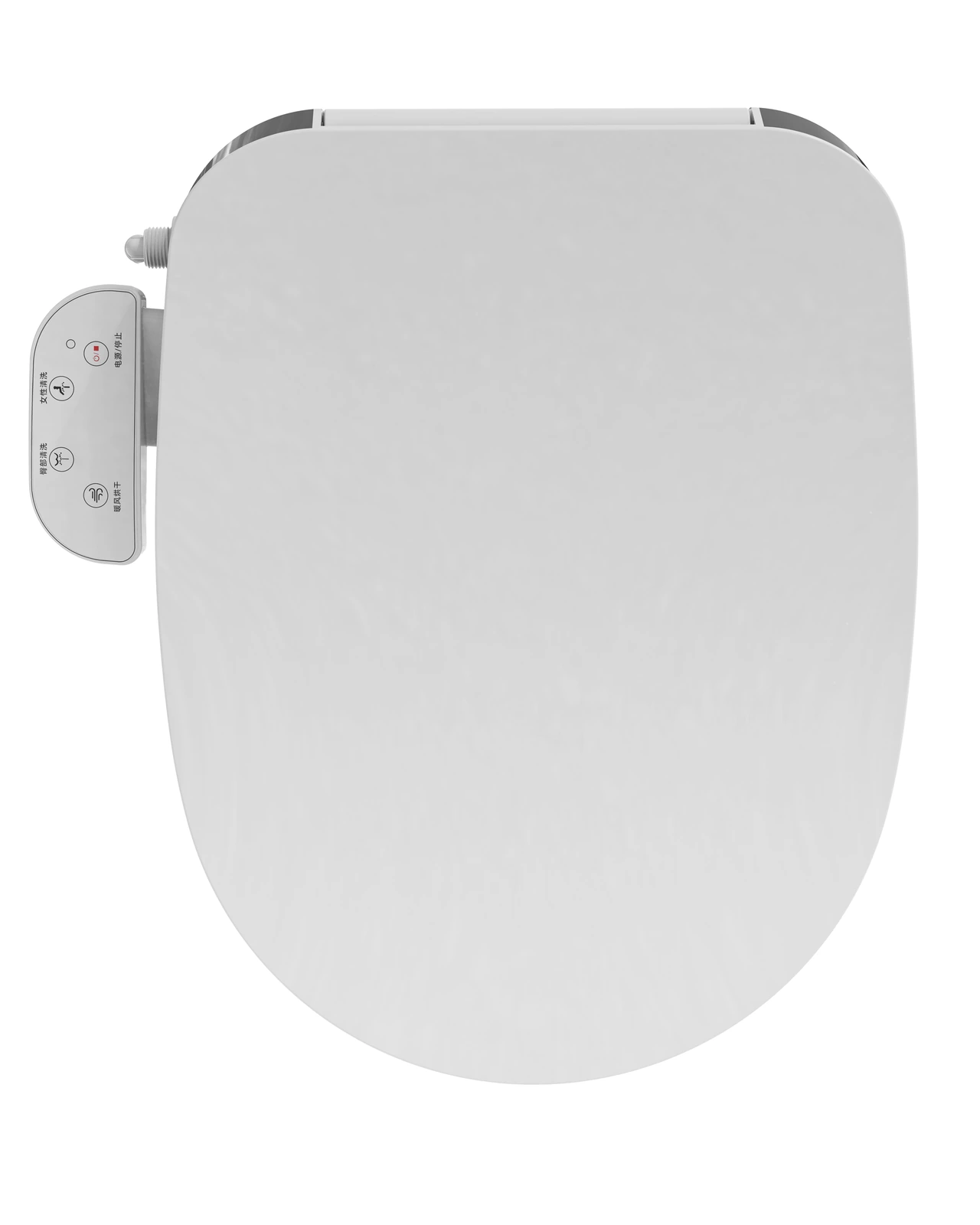
Front and rear wash keys, with a combined power/stop button, sit on the Series 3 Basic’s compact side panel. For brands choosing controls beside the seat, Basic offers a short-panel format to compare with the longer Standard panel and the Premium remote-control format.
Pictured: the four-key Basic layout, labelled rear wash, front wash, drying and power/stop. Original Chinese button markings are retained.
- Compact fixed side-control format
- Front and rear wash keys with a combined power/stop button
- Wash-flow adjustment on the seat-temperature panel layout
- Four heated-seat settings on the seat-temperature panel layout
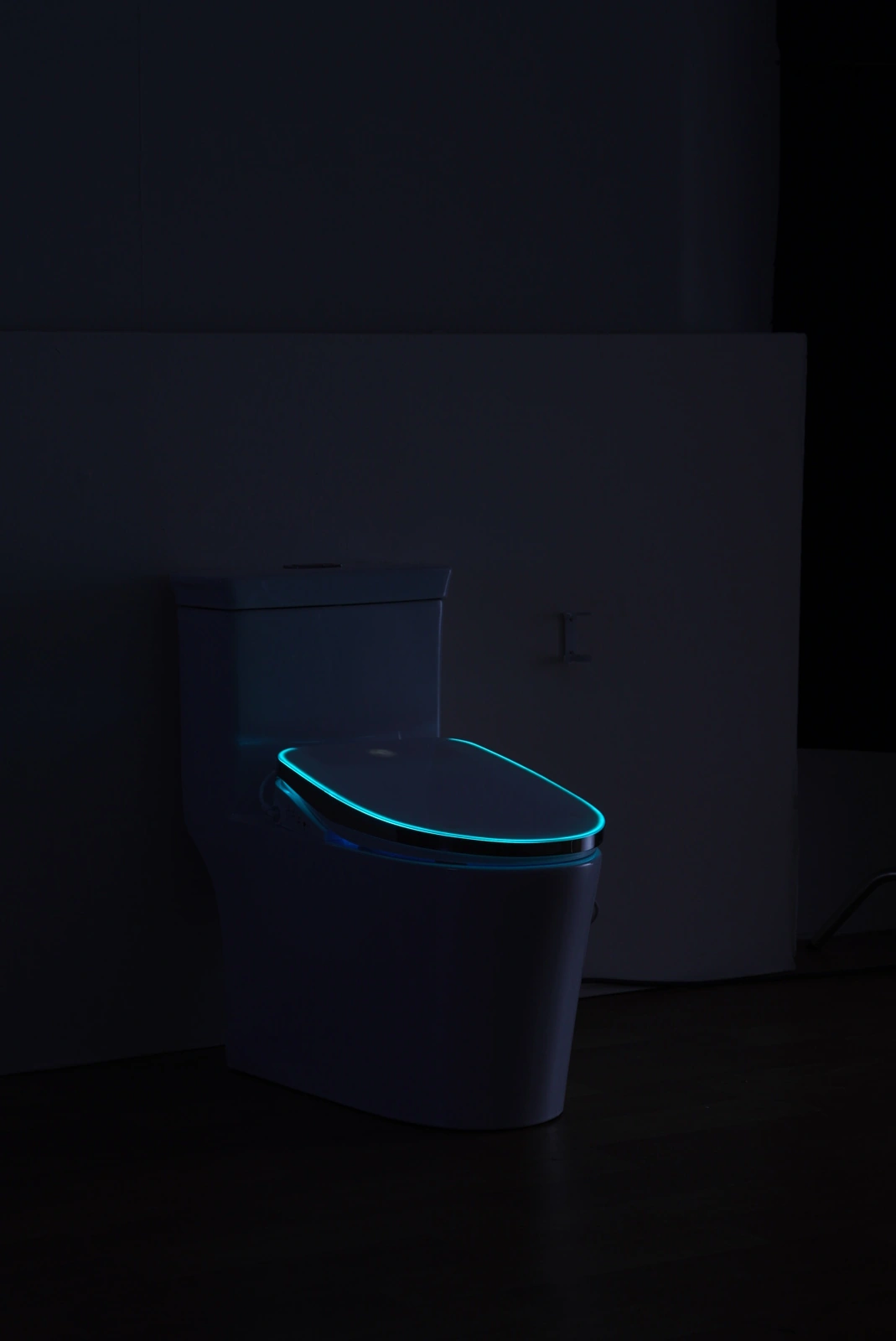
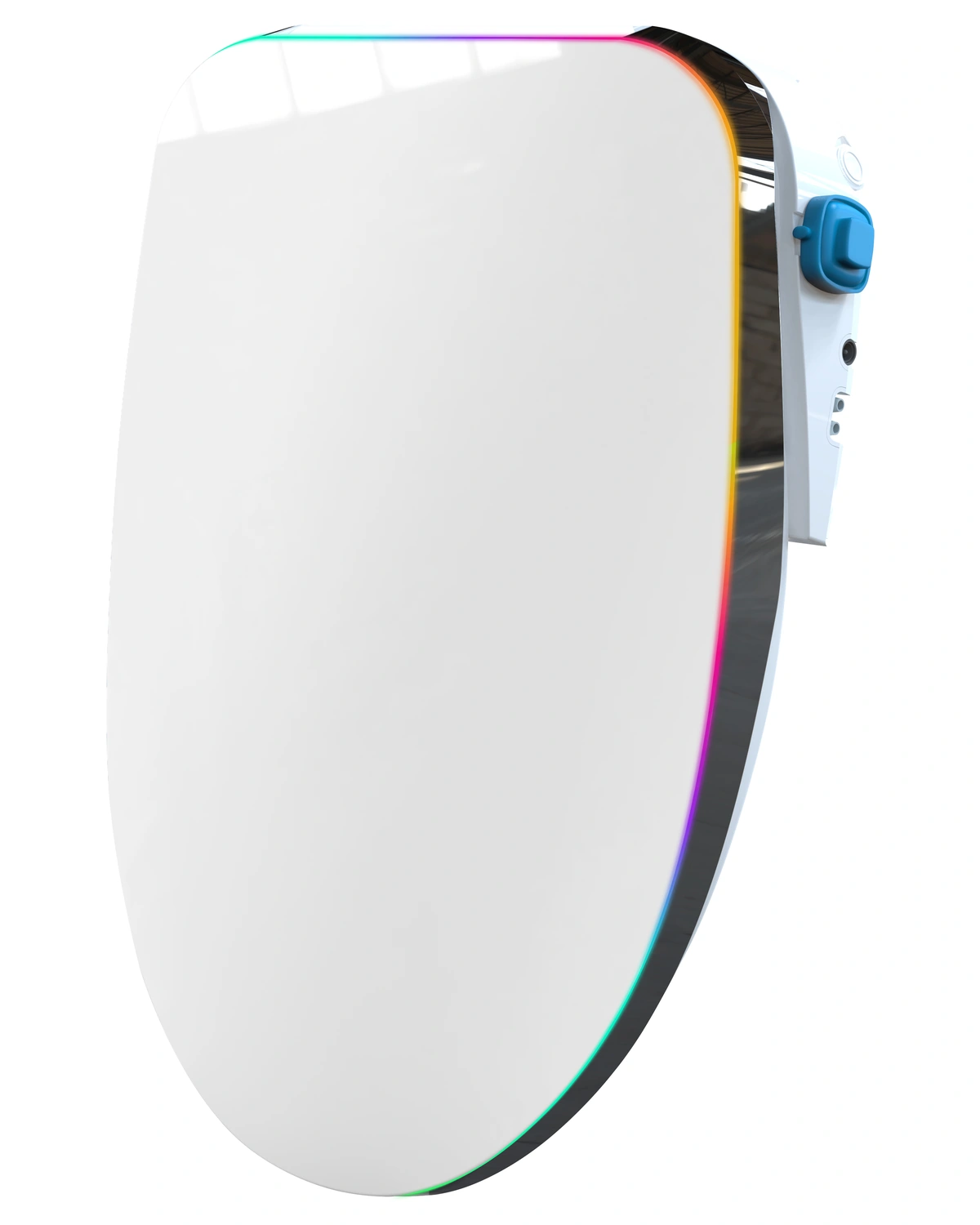
- Optional lid-edge ambient lighting
Basic wash controls and panel choices
Front and rear washing from compact side controls
On the Basic layout with a seat-temperature key, separate rear and front wash buttons start the selected wash. Pressing the active wash button again changes the water flow. The stop key ends the wash, keeping these everyday choices beside the seat.
Choose the Basic panel layout for your sample
The seat-temperature panel has a dedicated key that cycles through four seat-heat settings. The four-key panel pictured on this page is another Basic layout: it includes a drying key in its control set. Choose the layout for your sample and request its matching feature sheet and operating guide; the seat-temperature controls described here belong to the first layout.
Compare the bowl outline and the full control side
The Series 3 drawings show U- and V-shaped Basic outlines. Compare the whole seat and short side panel with the tank, nearby wall and vanity. A matching bowl label alone does not settle the panel clearance.
For a fit request, record the front edge to tank, front edge to mounting-hole line, front edge to the bowl’s rear inner wall, and hole-center spacing. Add a top-view photo and a side view of any tank curve or overhang beside the panel. Use the drawing with those same endpoints when selecting the seat outline.
Ambient lighting (optional)
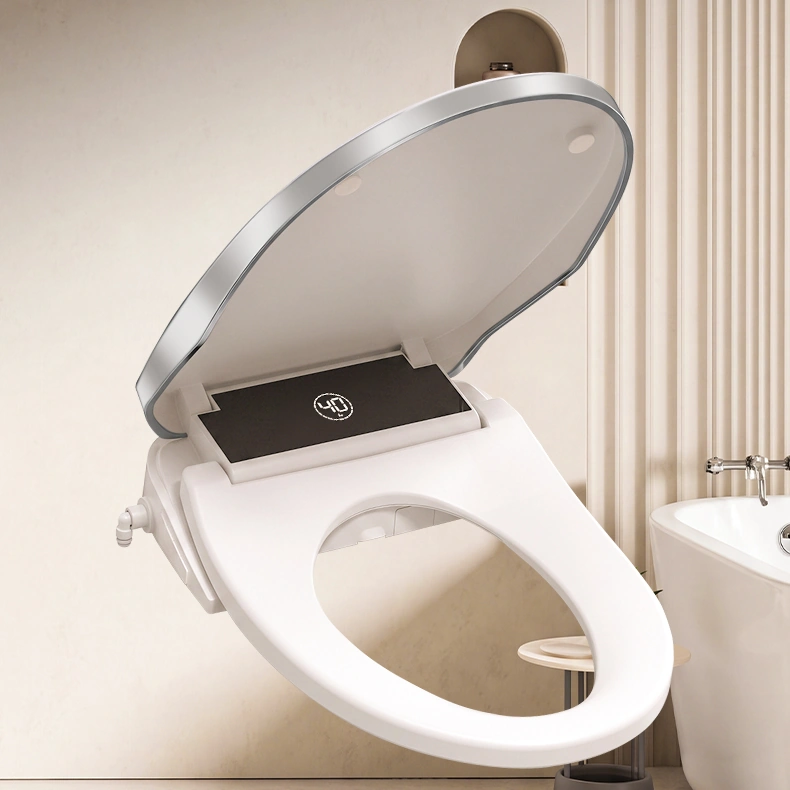
An optional light band follows the edge of the closed lid. The documented Series 3 lighting option offers eight colors, with a steady glow, a breathing effect that fades in and out, and a chase pattern that moves along the edge. It can also be switched off. Include the lighting choice separately from the control-panel layout in your sample request.
Basic control layouts, functions and fit
Use the panel-layout descriptions below with the Basic sample you select. The pictured four-key layout and the seat-temperature layout are kept distinct.
| Control format | Compact fixed side panel |
|---|---|
| Washing | Front and rear wash keys, with a stop control |
| Wash-flow adjustment | Repeat the active wash key on the seat-temperature panel layout |
| Seat heat | Four settings on the seat-temperature panel layout |
| Pictured four-key layout | Rear wash, front wash, drying and power/stop labels |
| Bowl outline and fit | U/V reference outlines; compare mounting endpoints and the complete control-side outline |
| Lid selection | For automatic opening, compare the Premium PRO configuration |
| Water feed and heater | Direct-feed wash-water connection and instantaneous heating in the Series 3 reference manual |
| Options | Ambient lid-edge lighting and separately selected customer options |
Request the Basic panel layout and fit drawing
Send the bowl measurements and identify the pictured four-key or seat-temperature panel layout you want to compare. Ask for the matching feature sheet, operating guide and fit drawing, with your chosen lighting or accessories listed separately.
Build a compact side-control sample brief
Choose Basic for compact side controls, Standard for a long panel with separate wash and dryer adjustments, or Premium for remote controls with the PRO automatic lid. For a Basic sample, specify the selected panel layout, bowl shape, control-label language, target market and any lighting or accessories together.